

Top 8 Google Play Store Tips, Tricks & Hidden Features You Should Know

If you use Android daily but aren’t taking advantage of the best Google Play Store tips, you’re missing out on powerful features that can improve your app experience, security, and overall device performance. The Google Play Store is more than just a place to download apps—it’s packed with hidden tools and smart settings that many users never explore. In this guide, we’ll uncover the top 8 Google Play Store tips, tricks, and hidden features you should know to make the most out of your smartphone.
Table of Contents
1. Update Google Play store Application
Google Play Store is also an app but where can you update this app. Well, you can update this app by opening the setting tab and click on Play Store Version. It will start updating the store in background.

2. Exclude app Search
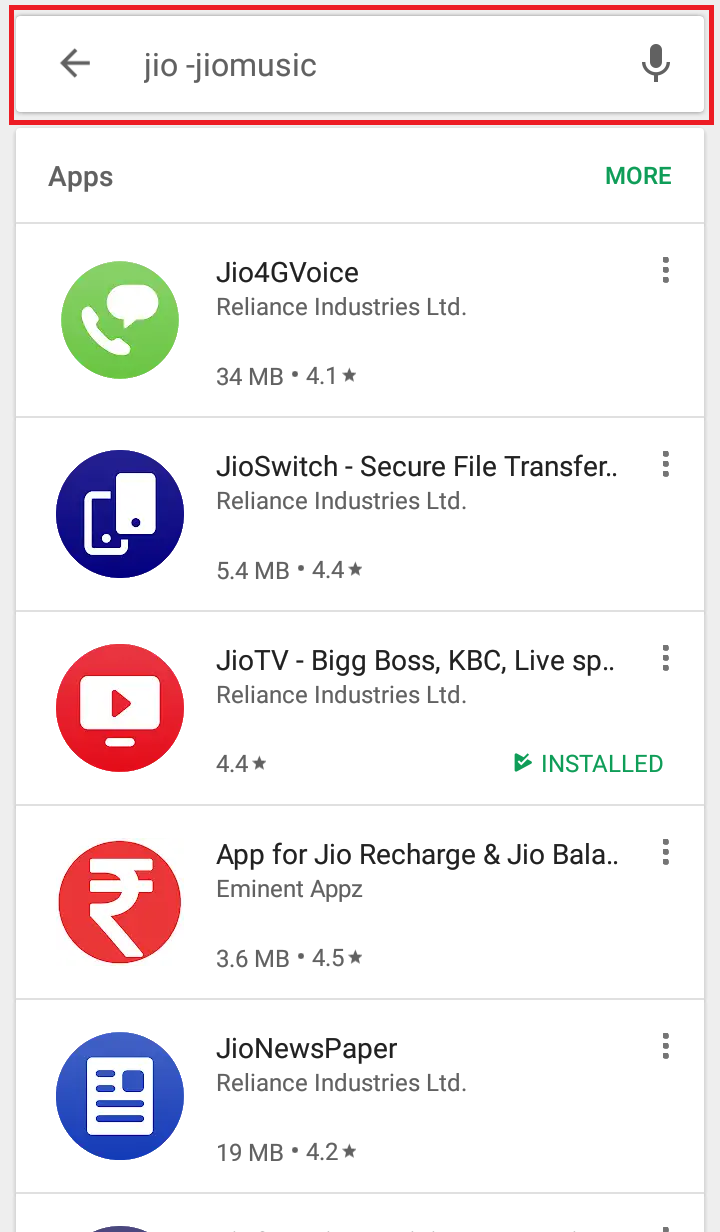
When you search any app in play store then play store also shows that apps which you have already installed on your device but if you want to exclude the installed app then you can do so by putting a dash(-) and name of the app which you want to exclude then play store exclude that app which is already installed on your device.
3. Disable Automatic Shortcut
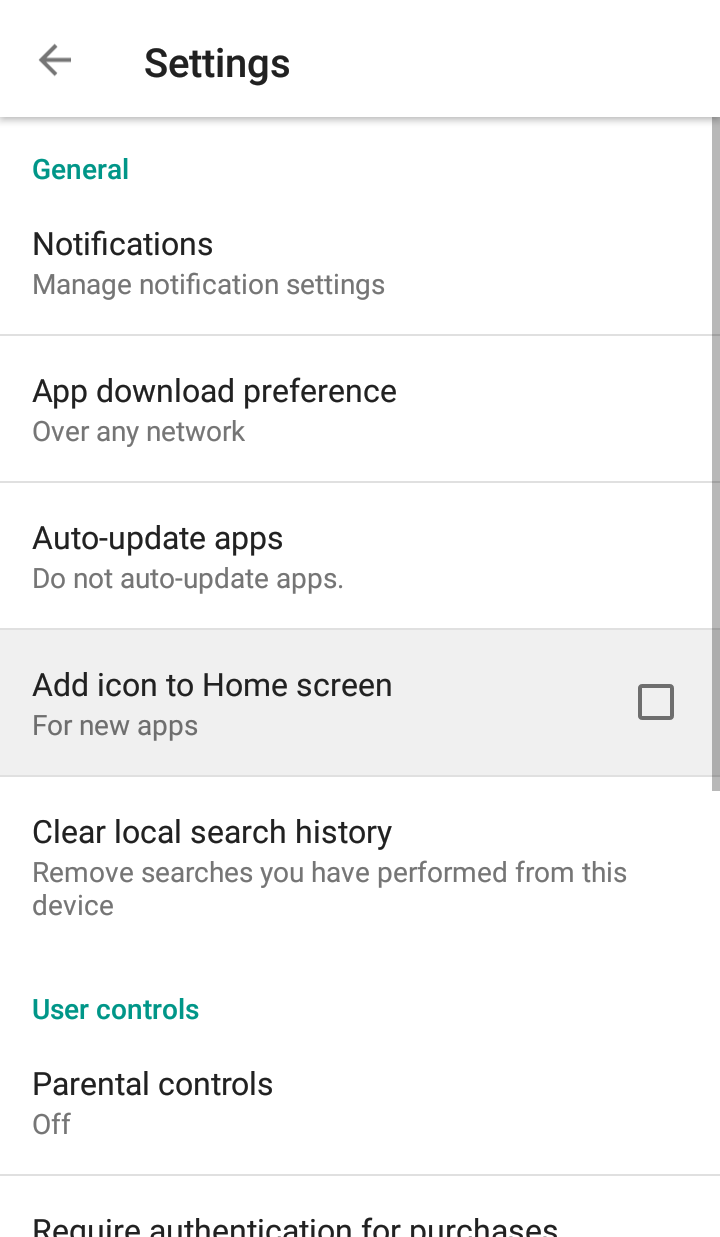
When you install any new application on your device then play store makes a shortcut on your home screen but sometimes it is very annoying. So you can disable it if you want. Just go to setting and un tick add icon to home screen option. So whenever you install a new app, it will not make the shortcut of that app.
4. Install Apps from pc
If you busy in your pc or doing something important and want to install apps without touching your phone then you can install apps directly from pc.
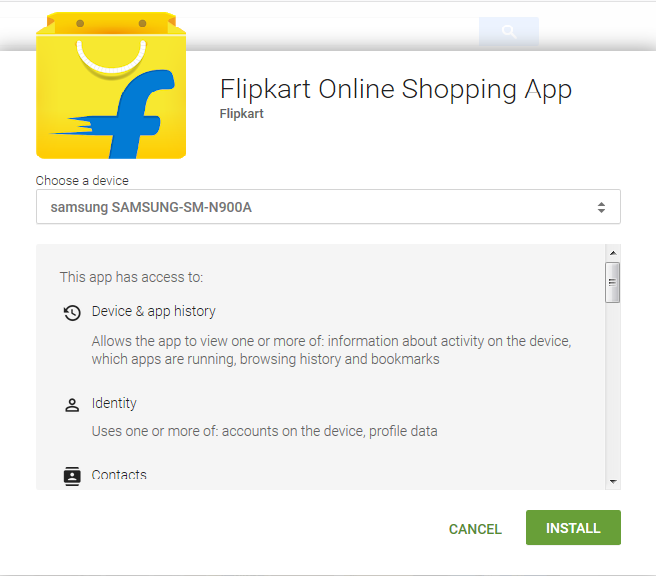
You have to sign in with the same Google account which is present on your phone, after that visit play.google.com on your laptop or desktop then search for app which you want to install and click on install button then it shows all device in which your Google account is signed in, you have to select the device on which you want to install the app and then click on install button then app will automatically download and install in background in your android device.
5. Use apps without installation
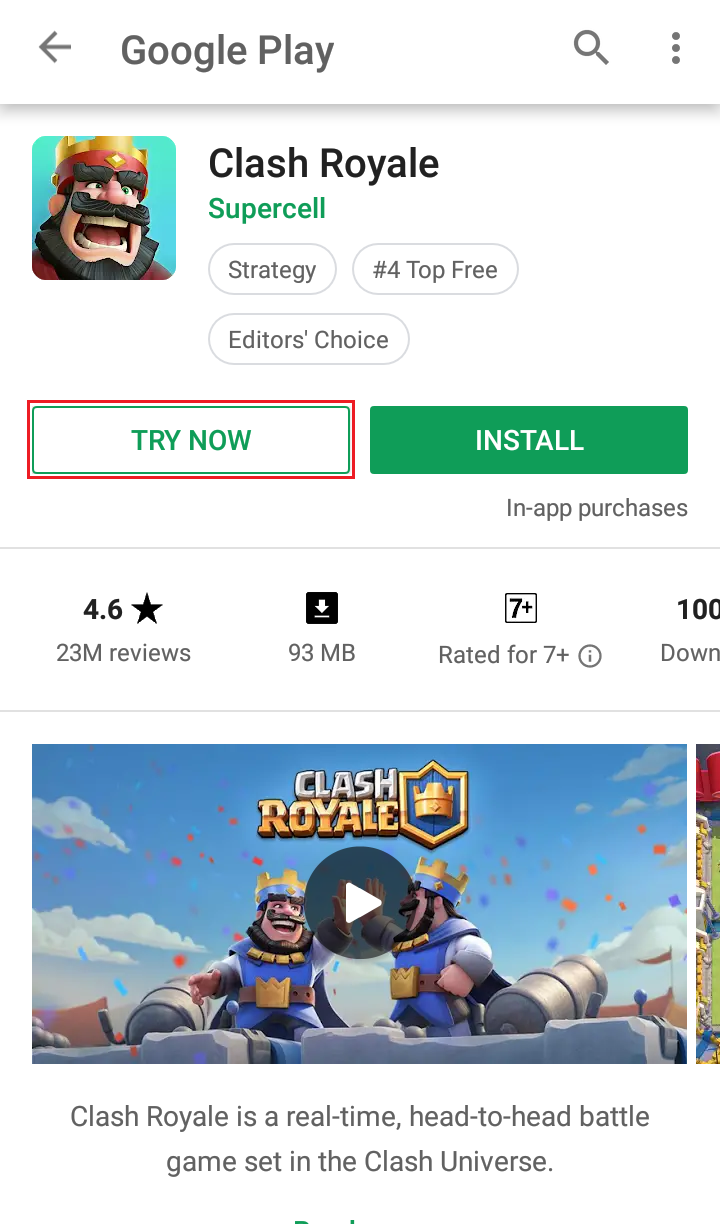
Sometimes you only want to try apps and don’t want to install apps so Google has launched a new feature of play store so that anyone can use any app for testing purpose.
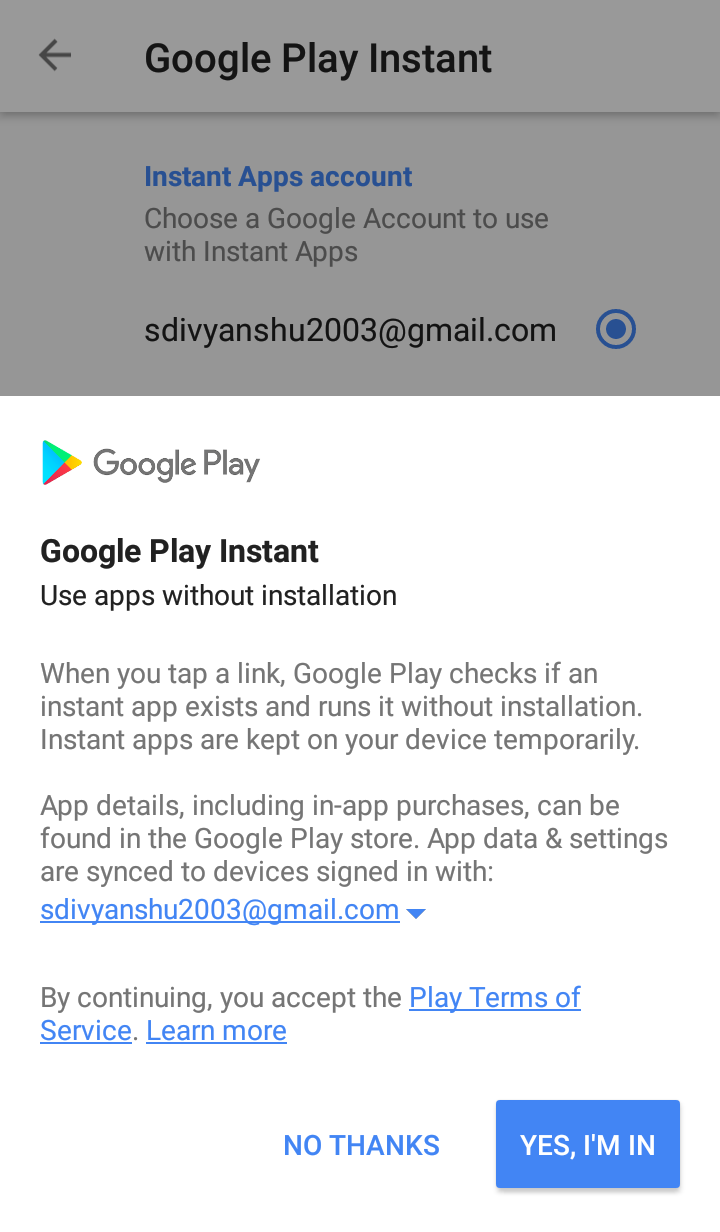
You need an updated version of play store in order to use application without installation and you have to update Google app, chrome browser and Google play services for this feature. After that, you have to open setting and you will see there a new option of Google Play Instant. You have to enable the option by clicking on Yes I’m in. Now whenever you install a new app, there is an option beside it named as ‘TRY NOW’ So now you can use app without installing it in your device.
Note:-As this is a new feature of Google Play store so not all the apps on play store support it.
6. All Apps till date
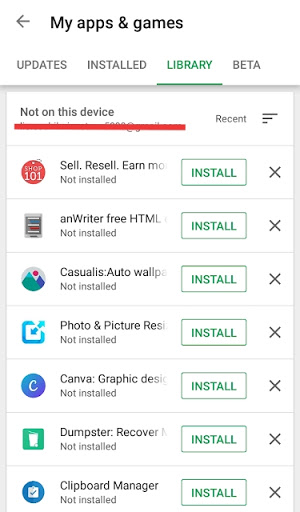
This feature of Google allows you to see all the apps which you have install from the first day on your android phone. You have to open the menu of play store then go to My apps & games then tap on library then you will see the list all the apps which you have installed till date.
Also Read
- How to install stickers and use PIP mode in Whatsapp (Latest Trick)
- Top 7 Google Chrome Cool tips and tricks in Android
7. Indie Corner
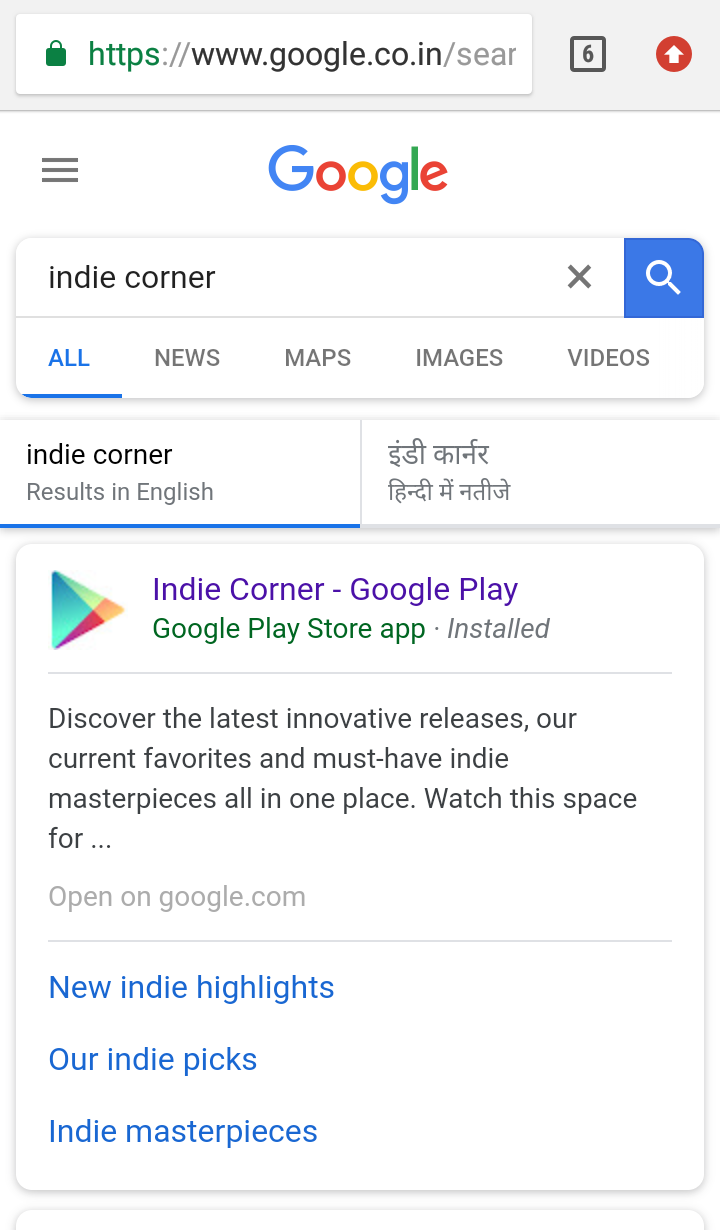
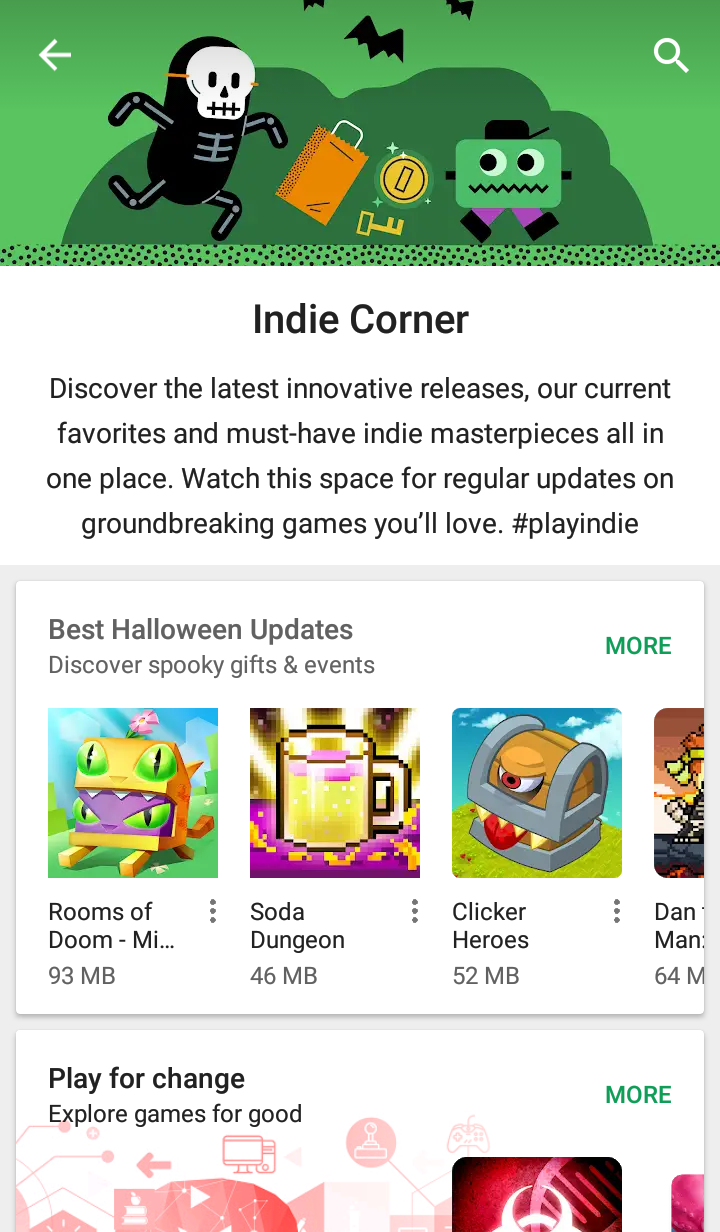
This is the hidden corner where you can see the latest apps made by new developers. You can not see this option in play store. You have to open your browser and search indie corner on google search and click on the first link. Now you can try the apps and help the developer by using their new apps.
8. Play Protect
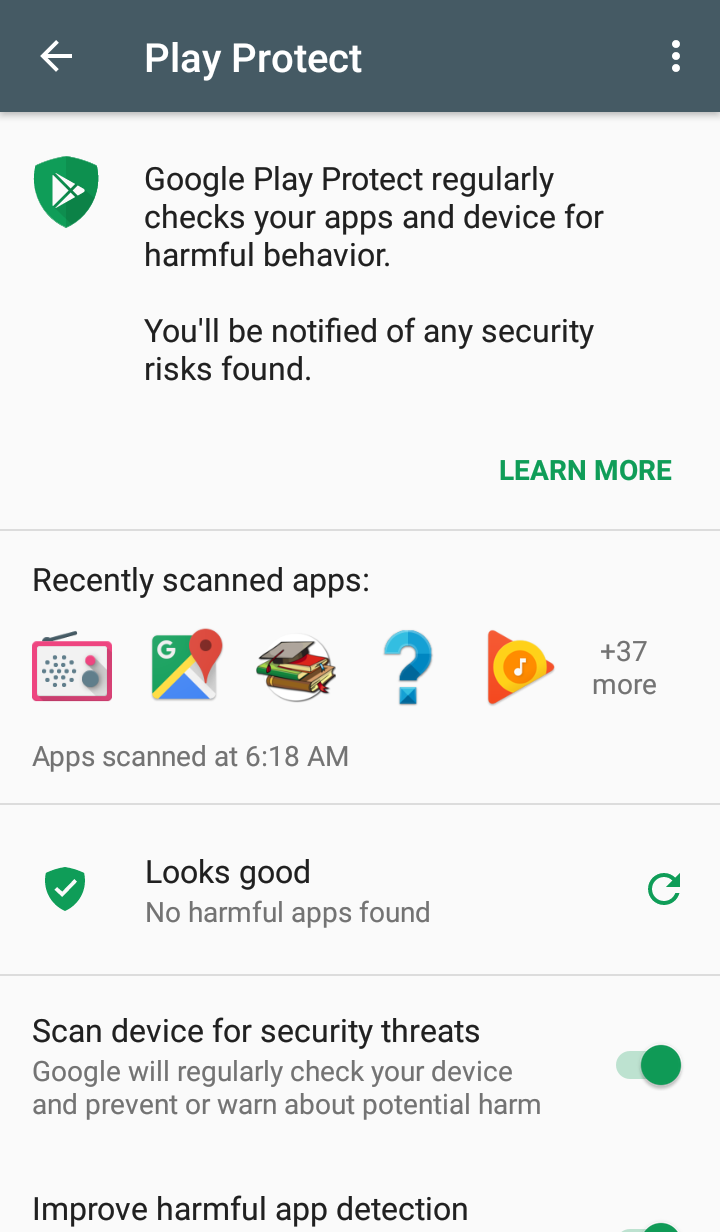
This is latest feature of play store which works like an antivirus software in your android phone. It will scan all apps on your device and notify you about the harmful apps. You can enable it in play store menu. So that all the apps are scanned which is installed from unknown sources.
So guys if you have any questions or query in your mind then feel free to ask in comment section below.

I really love your articles . Thanks for unique info.
games
interesting article … greetings blog
Hi Bro,
This blog post is really funtastic bro. Keep adding such an amazing blog posts on your site. We are working on same site and I think we are neighbour of each other.
focus on quality and quantity will automatically shows.
I am here just to appreciate you bro.
thanks,
cheers,
zakir khan
Thanks bro!