
10 Best WhatsApp Tips and Tricks (Hidden Features Guide)
WhatsApp tips and tricks can completely change how you use the app daily. Most people use WhatsApp only for basic messaging, but it actually has many hidden features that make communication faster, more private, and more efficient.
In this guide, you will learn practical WhatsApp tips and tricks that you can start using immediately.
1. Pin Important Chats
If you regularly chat with certain people, you can pin their chats to the top.
- Long press on a chat
- Tap the pin icon
You can pin up to three chats so they always stay on top.
2. Use Different Text Styles in WhatsApp
Sending messages in different text styles can make your chats more interesting and easier to highlight important points. WhatsApp allows you to format text using simple special characters or built-in options.
Method 1: Using Special Characters
You can apply different styles by adding specific symbols before and after your text:
- Bold text
Type your message between asterisks
Example:*Hi how are you?* - Italic text
Type your message between underscores
Example:_Hi_ -
Monospace (different font style)
Type your message between three backticks
Example:“`Hi“` - Strikethrough text
Type your message between tildes
Example:~Hi~
These styles work in both individual and group chats.
Method 2: Using Built-in Formatting Option Whatsapp tips and tricks
If you don’t want to remember symbols, there is an easier way:
- Type your message
- Select the text by long pressing on it
- Tap the three-dot menu (if visible)
- Choose formatting options like Bold, Italic, Monospace, or Strikethrough
This method is simpler and works well if you prefer using on-screen options instead of typing symbols.
3. Hide WhatsApp Images from Gallery Whatsapp tips and tricks
If you don’t want WhatsApp media to appear in your gallery:
- Open File Manager
- Go to WhatsApp Images folder
- Rename it by adding a dot at the beginning
Example:.WhatsApp Images
This hides the folder from gallery apps.
4. Check Your Data Usage
To see how much data you use:
- Go to Settings
- Tap Storage and Data
- Open Network Usage
You can check messages sent, received, and total data usage.
5. Send Messages Without Typing
You can send messages using voice commands.
Use Google Assistant:
- Say “Send WhatsApp message”
- Choose contact
- Speak your message
This is useful when you are busy or driving.
6. Listen to Voice Messages Privately
You don’t always need earphones.
- Play the voice message
- Bring your phone close to your ear
The audio will switch to the earpiece automatically.
7. Try New Features Early (Beta Version)
If you want to use new features before others:
- Open Play Store
- Search WhatsApp
- Join Beta Program
You will get updates before public release.
8. Save Mobile Data
Stop automatic downloads to save data:
- Go to Settings
- Tap Storage and Data
- Disable media auto-download
This prevents unnecessary files from downloading.
9. Set Custom Notifications
You can set unique tones for specific contacts.
- Open chat
- Tap contact name
- Select Custom Notifications
This helps you identify messages without checking your phone.
10. Use Dual WhatsApp
You can use two WhatsApp accounts on one phone.
Options:
- Use built-in Dual Apps feature (in many phones)
- Or use apps like Parallel Space
This is useful for managing personal and work accounts separately.
Best WhatsApp Tips and Tricks for Android! How to schedule WhatsApp messages?
Additional Tips
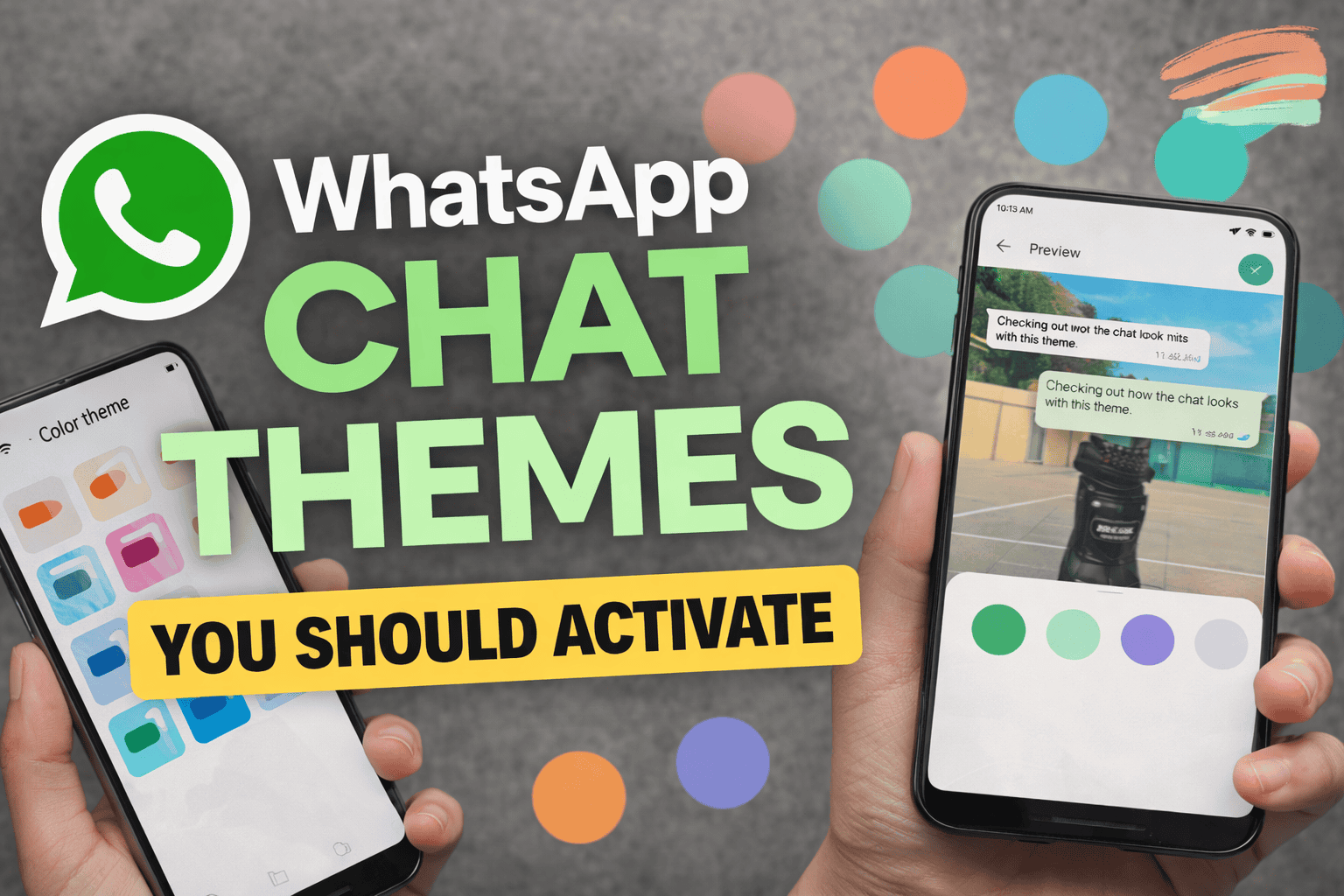
You can now use AI-generated images to customize your WhatsApp chat themes and wallpapers, making your chats more personal and unique. This feature uses Meta AI, where you simply describe the type of image you want, and it generates multiple options for you to choose from or refine. You can apply these AI themes to all chats or set them individually for specific conversations, depending on your preference. However, this feature is currently available only in selected countries and supports limited languages. It’s also important to note that while your messages remain end-to-end encrypted, some AI-generated images may not always be accurate, so previewing before applying is recommended.
FAQs
Can I use two WhatsApp accounts on one phone?
Yes, many phones support dual apps or you can use cloning apps.
Are these WhatsApp tricks safe?
Yes, all are official features or safe usage methods.
Will formatting text work on all devices?
Yes, text formatting works across Android and iPhone.
Conclusion
These WhatsApp tips and tricks are simple but powerful. Once you start using them, you will notice how much easier and more efficient your messaging becomes. Most users don’t explore these features, which is why learning them gives you an advantage.