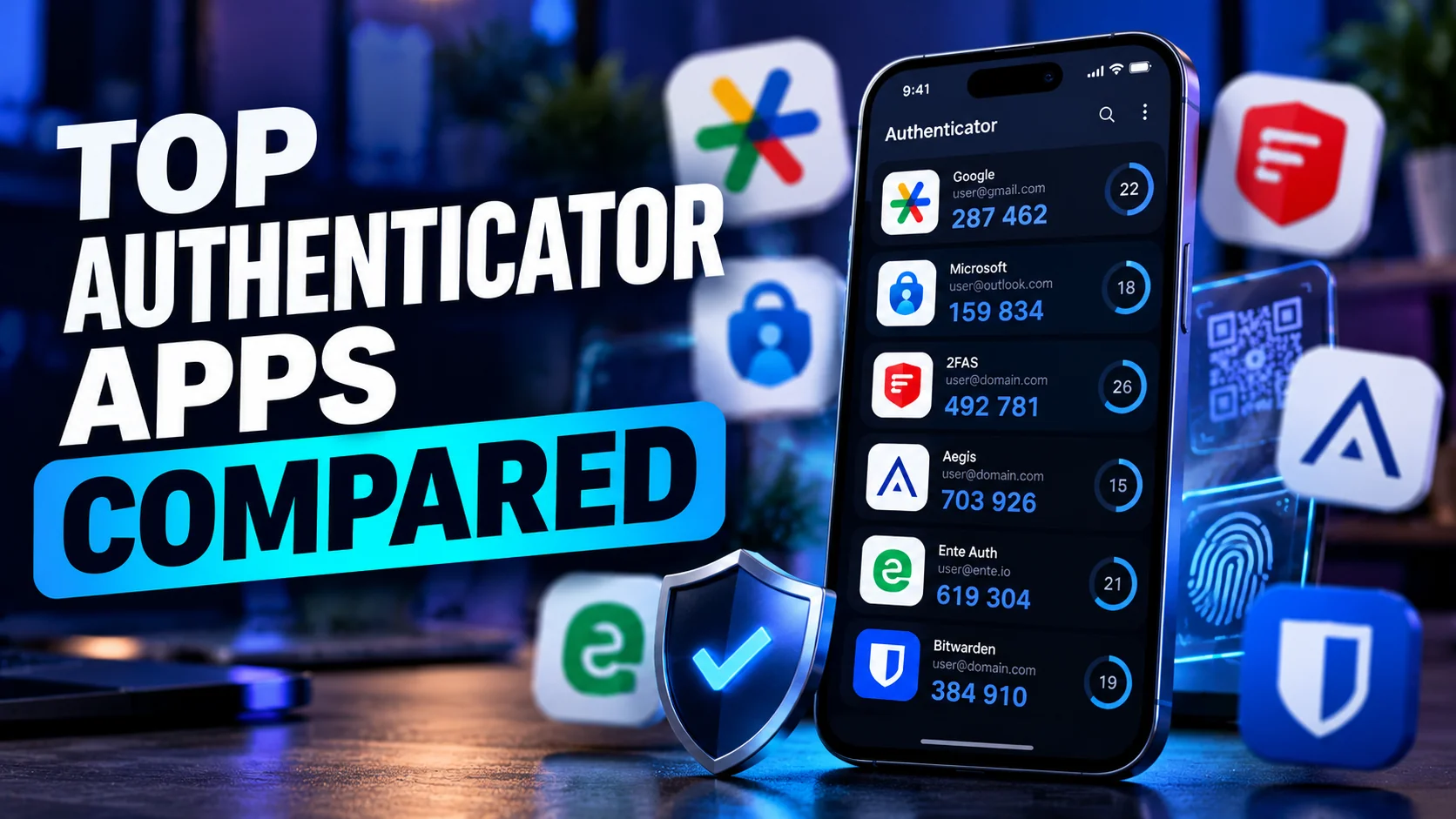
Best Authenticator Apps Compared (2026): Which One Should You Use?

Passwords alone are no longer enough.
Every year, millions of usernames and passwords are exposed through phishing campaigns, malware, and large-scale data breaches. Even if you use a strong password, attackers can still steal it through fake login pages or leaked databases.
That’s why security experts increasingly recommend enabling two-factor authentication (2FA) on every important account.
While many websites still offer SMS verification codes, security professionals generally consider authenticator apps a much stronger option. SMS messages can be intercepted through SIM-swapping attacks, mobile carrier fraud, or social engineering. Authenticator apps, on the other hand, generate verification codes directly on your device, making them far more difficult for attackers to steal remotely.
Whether you’re protecting your Google account, Microsoft 365, Amazon, PayPal, cryptocurrency wallets, or social media accounts, choosing the right authenticator app has become an important security decision.
In this guide, we’ll compare the Best Authenticator Apps available in 2026 based on security, privacy, ease of use, backup options, platform compatibility, and overall user experience. By the end, you’ll know exactly which app fits your needs.
Table of Contents
What Is an Authenticator App?
An authenticator app is a mobile or desktop application that generates a unique six-digit security code every 30 seconds. These codes are used as a second layer of authentication after entering your password.
Instead of receiving a code by text message, the app generates it locally using a cryptographic secret stored securely on your device.
The most common authentication standard is called Time-based One-Time Password (TOTP), defined in RFC 6238. When you first enable 2FA on an account, the website shares a secret key—usually through a QR code. The authenticator app stores this secret and uses the current time to generate temporary verification codes.
Because both your device and the service know the same secret and current time, they independently generate matching codes without requiring an internet connection.
Why Is It More Secure Than SMS OTP?
SMS verification was once considered secure, but modern attacks have exposed several weaknesses.
Common risks include:
- SIM swapping
- Mobile carrier fraud
- SS7 network attacks
- SMS interception
- Phishing attacks targeting text-message codes
Authenticator apps avoid these issues because the verification codes never travel across the mobile network.
Quick Security Tip: Even the best authenticator app cannot protect you if you enter your code into a fake phishing website. Always verify the website address before approving a login.
Authenticator apps improve account security by generating verification codes directly on your device using TOTP. Unlike SMS codes, they work offline and reduce the risk of SIM-swapping attacks, making them the preferred two-factor authentication method for most users.
How We Compared These Apps
Not every authenticator app offers the same balance of security, convenience, and privacy. Some prioritize simplicity, while others focus on advanced backup features or open-source transparency.
To provide fair recommendations, we evaluated each app using the following criteria.
| Criteria | Why It Matters |
|---|---|
| Security | Strong encryption and secure storage of authentication secrets |
| Privacy | Minimal data collection and transparent privacy practices |
| Open Source | Public code that can be independently audited |
| Ease of Use | Simple setup and intuitive interface |
| Cloud Backup | Protection against device loss |
| Device Sync | Seamless access across multiple devices |
| Offline Support | Generate codes without internet access |
| Cross-Platform Support | Availability across Android, iOS, Windows, macOS, and Linux |
| Recovery Options | Easy account restoration after device replacement |
| Pricing | Free features and premium value |
These recommendations are based on official documentation, publicly available security information, and the overall user experience as of 2026.
Best Authenticator Apps (2026)
1. Google Authenticator
Overview
Google Authenticator remains one of the most recognizable authenticator apps worldwide. It is lightweight, easy to use, and supported by thousands of online services.
Recent updates have significantly improved the app by introducing optional Google Account synchronization, making device migration much easier than in earlier versions.
For Android users, it’s often the fastest way to get started with two-factor authentication.
Key Features
- Time-based One-Time Password (TOTP)
- Optional Google Account cloud sync
- QR code setup
- Offline code generation
- Simple interface
- Works with most online services
Pros
✔ Extremely easy to use
✔ Trusted by millions
✔ Free
✔ Offline support
✔ Optional cloud synchronization
Cons
✖ Limited organizational features
✖ Not open source
✖ Backup depends on your Google account
Security & Privacy
Google protects synchronized data using your Google Account security. However, because the application is closed source, independent researchers cannot fully audit its implementation.
Privacy-conscious users may prefer open-source alternatives.
Best For
- Beginners
- Android users
- Google ecosystem users
Supported Platforms
- Android
- iPhone
- Wear OS
Pricing
Free
Verdict
If you want a straightforward authenticator app that simply works, Google Authenticator remains one of the safest choices for everyday users.
2. Microsoft Authenticator
Overview
Microsoft Authenticator is more than a traditional 2FA application. It also supports passwordless sign-in for Microsoft accounts, making it especially valuable for Windows users and Microsoft 365 subscribers.
The app integrates tightly with Azure Active Directory, Microsoft Entra ID, and enterprise environments.
Key Features
- TOTP authentication
- Passwordless Microsoft login
- Cloud backup
- Push notifications
- Autofill support
- Microsoft account integration
Pros
✔ Excellent Microsoft ecosystem integration
✔ Passwordless authentication
✔ Cloud backup
✔ Enterprise-ready
Cons
✖ Closed source
✖ Best experience mainly within Microsoft’s ecosystem
Security & Privacy
Microsoft employs strong account security, encrypted cloud backups, and phishing-resistant passwordless authentication for supported services.
Best For
- Microsoft 365 users
- Windows users
- Business professionals
Supported Platforms
- Android
- iPhone
Pricing
Free
Verdict
If most of your digital life revolves around Microsoft services, this is arguably the most convenient authenticator available.
ALSO READ >>> Firefox Corrupted Plugin Issue: Fix Unsigned Extensions
3. 2FAS Authenticator
Overview
Over the last few years, 2FAS Authenticator has become one of the most recommended alternatives to Google Authenticator—and for good reason.
It combines a clean interface with strong privacy practices, encrypted backups, browser extensions, and no advertising. Unlike many competitors, it focuses solely on authentication without trying to become a password manager or identity platform.
Key Features
- End-to-end encrypted backups
- Browser extension
- Offline authentication
- Easy account migration
- QR scanning
- Secure synchronization
Pros
✔ Free
✔ End-to-end encrypted backups
✔ Excellent user interface
✔ Cross-device synchronization
✔ Privacy focused
Cons
✖ Desktop experience is more limited than some competitors
Security & Privacy
2FAS places a strong emphasis on privacy. Backup data is end-to-end encrypted, meaning the service provider cannot read your authentication secrets.
This design significantly reduces the risk associated with cloud synchronization.
Best For
- Most users
- Families
- Everyday consumers
Supported Platforms
- Android
- iPhone
- Browser extensions
Pricing
Free
Verdict
If you only install one authenticator app in 2026, 2FAS deserves to be near the top of your shortlist. It delivers an excellent balance of security, convenience, and privacy without charging a subscription fee.
4. Aegis Authenticator
Overview
For Android users who prioritize transparency and complete control over their data, Aegis Authenticator stands out as one of the strongest options available.
Unlike many commercial authenticator apps, Aegis is fully open source. Its code is publicly available for review, giving security researchers confidence in its implementation. It also stores encrypted vaults locally, allowing users to create secure backups without relying on a company’s cloud infrastructure.
Key Features
- Fully open source
- Encrypted local vault
- Manual encrypted backups
- Strong organization tools
- Import and export support
- Offline authentication
Pros
✔ Open source
✔ Strong local encryption
✔ Excellent backup controls
✔ No account required
✔ Highly customizable
Cons
✖ Android only
✖ No built-in cloud synchronization
✖ Slightly steeper learning curve for beginners
Security & Privacy
Aegis is one of the most privacy-respecting authenticator apps available. Since your authentication secrets remain encrypted on your device unless you choose to export them, you retain full control over your data.
For advanced users and security enthusiasts, this local-first approach is often seen as a major advantage.
Best For
- Privacy enthusiasts
- Android power users
- Open-source supporters
- Security professionals
Supported Platforms
- Android
Pricing
Free
Verdict
If privacy is your top priority and you’re an Android user, Aegis Authenticator is among the best choices available in 2026. Its open-source design, encrypted local storage, and powerful backup features make it a favorite among cybersecurity professionals.
5. Ente Auth
Overview
Originally known for its privacy-focused encrypted photo storage, Ente expanded into authentication with Ente Auth, an open-source authenticator designed around one core principle: your authentication secrets should remain private—even from the service provider.
Unlike many cloud-synced authenticators, Ente Auth uses end-to-end encryption (E2EE) for synchronization. That means your authentication data is encrypted before it leaves your device, and only you hold the decryption keys.
For users who want cloud convenience without sacrificing privacy, Ente Auth is one of the strongest options available in 2026.
Key Features
- End-to-end encrypted cloud sync
- Open-source codebase
- Multi-device synchronization
- Secure encrypted backups
- Offline TOTP generation
- Cross-platform support
Pros
✔ End-to-end encrypted synchronization
✔ Fully open source
✔ Excellent privacy policy
✔ Multi-device support
✔ Modern, clean interface
Cons
✖ Smaller ecosystem than Google or Microsoft
✖ Fewer enterprise-focused features
Security & Privacy
Ente follows a zero-knowledge architecture, meaning the company cannot access your authentication secrets. The source code is publicly auditable, increasing transparency and trust.
Best For
- Privacy-conscious users
- People using multiple devices
- Open-source enthusiasts
Supported Platforms
- Android
- iPhone
- Windows
- macOS
- Linux
- Web
Pricing
- Free for authentication features
Verdict
If privacy is your top priority but you still want seamless synchronization across devices, Ente Auth is among the best authenticator apps available today.
6. Bitwarden Authenticator
Overview
Best known for its password manager, Bitwarden also offers integrated authenticator capabilities. Rather than installing a separate app, users can generate TOTP codes directly inside their password vault.
This approach simplifies logins by storing passwords and authentication codes in one place. However, some security professionals prefer keeping passwords and second-factor codes separate to reduce the impact of a single account compromise.
Key Features
- Built into Bitwarden Password Manager
- TOTP generation
- End-to-end encrypted vault
- Cross-platform synchronization
- Browser integration
- Passwordless support for selected services
Pros
✔ Excellent for existing Bitwarden users
✔ Open source
✔ Secure encryption
✔ Cross-platform
✔ Easy autofill
Cons
✖ Not ideal if you prefer separating passwords and 2FA
✖ Advanced authenticator features require a premium subscription
Security & Privacy
Bitwarden uses end-to-end encryption and has undergone multiple third-party security audits. Authentication secrets remain encrypted inside the user’s vault.
Best For
- Existing Bitwarden users
- Professionals
- Small businesses
Supported Platforms
- Android
- iPhone
- Windows
- macOS
- Linux
- Browser Extensions
Pricing
- Free plan available
- Premium plan adds integrated TOTP features and additional security tools
Verdict
If you’re already using Bitwarden as your password manager, its authenticator functionality creates an efficient, secure login experience.
Security Tip: Many security experts recommend storing passwords and authenticator codes separately for critical accounts such as banking, cryptocurrency, and primary email.
7. Authy
Overview
For years, Authy was considered one of the best cross-platform authenticator apps thanks to encrypted cloud backups and multi-device synchronization.
However, its position has changed in recent years. Desktop applications have been discontinued, and development has become more limited compared to newer competitors. Existing users can still use the mobile application, but many security professionals now recommend evaluating modern alternatives before starting fresh.
Key Features
- Cloud backups
- Multi-device support
- Offline authentication
- Easy account migration
- PIN protection
Pros
✔ Easy migration
✔ Reliable cloud backups
✔ Beginner friendly
✔ Good mobile experience
Cons
✖ Closed source
✖ Desktop applications discontinued
✖ Less active feature development
Security & Privacy
Authy encrypts backups before synchronization, but its implementation is proprietary rather than open source.
Best For
- Existing Authy users
- Users wanting simple cloud backups
Supported Platforms
- Android
- iPhone
Pricing
Free
Verdict
Authy remains functional and secure for many users, but new users should also consider alternatives like 2FAS or Ente Auth, which provide more active development and stronger transparency.
Authenticator Apps vs Password Managers
Many people assume these tools perform the same job, but they solve different security problems.
A password manager securely stores your usernames and passwords, while an authenticator app generates temporary verification codes that act as a second layer of protection.
| Password Manager | Authenticator App |
|---|---|
| Stores passwords | Generates 2FA codes |
| Autofills credentials | Provides second-factor verification |
| Protects against password reuse | Protects stolen passwords |
| Can support passkeys | Supports TOTP authentication |
Should You Use Both?
Yes. A password manager and an authenticator app complement each other rather than compete. Using both significantly improves your account security.
Expert Recommendation: For high-value accounts—such as your primary email, banking apps, and cryptocurrency exchanges—use a trusted password manager with unique passwords and enable app-based two-factor authentication. When passkeys are available, consider adopting them as an additional layer of phishing-resistant security.
Frequently Asked Questions (FAQs)
1. Can I use two authenticator apps for the same account?
Yes. Many services allow you to scan the same QR code into multiple authenticator apps during setup. This is a good backup strategy if you use two trusted devices. However, some websites only display the QR code once, so configure both apps before completing the setup.
2. Can I transfer my authenticator codes to a new phone?
Yes, but the process depends on the app. Google Authenticator, Microsoft Authenticator, 2FAS, Ente Auth, and Bitwarden all provide migration or backup options. Apps without cloud sync, such as Aegis, require restoring from an encrypted backup or re-scanning QR codes.
3. Do authenticator apps work without an internet connection?
Yes. Most authenticator apps generate Time-based One-Time Passwords (TOTP) locally on your device. Once an account is configured, no internet connection is needed to generate login codes.
4. Are authenticator apps safer than SMS verification?
Generally, yes. Authenticator apps are more secure because they generate codes on your device instead of sending them over your mobile network. This helps protect against SIM-swapping attacks, SMS interception, and carrier fraud.
5. What happens if I lose my phone?
If you’ve enabled cloud backup or securely saved your recovery codes, you can restore access on a new device. If you lose both your phone and recovery codes, recovering your accounts may be difficult and could require contacting each service individually.
Best Practice: Store recovery codes in a password manager or another secure offline location before enabling two-factor authentication.
6. Which authenticator app is the most secure?
There isn’t a single “best” app for everyone. However:
- Best Overall: 2FAS Authenticator
- Best for Privacy: Ente Auth
- Best Open Source: Aegis Authenticator
- Best for Microsoft Users: Microsoft Authenticator
- Best for Beginners: Google Authenticator
The most secure choice depends on your privacy preferences, backup needs, and device ecosystem.
7. Do authenticator apps require internet access?
No. Internet access is only required during initial setup, cloud synchronization, or account restoration. Daily code generation works completely offline.
8. Are open-source authenticator apps better?
Open-source apps offer greater transparency because anyone can inspect their source code for security issues. Apps like Aegis Authenticator, 2FAS, and Ente Auth are popular choices for users who value independent security audits. However, well-maintained closed-source apps from reputable companies can also provide strong security.
9. Should I switch to passkeys instead of using an authenticator app?
If a website supports passkeys, they are generally more resistant to phishing than traditional TOTP codes. However, many online services still rely on authenticator apps. For now, using both—where supported—provides the strongest protection.
10. Are authenticator apps free?
Yes. Most of the best authenticator apps, including Google Authenticator, Microsoft Authenticator, 2FAS, Aegis, Ente Auth, and Authy, are free to use. Some platforms, such as Bitwarden, include advanced authentication features in premium plans.
Conclusion
Choosing the Best Authenticator Apps isn’t about finding a single winner—it’s about selecting the app that matches your security needs and the devices you use every day.
If you’re looking for the best all-around experience, 2FAS Authenticator stands out with its excellent balance of usability, end-to-end encrypted backups, and privacy-friendly approach. For Android users who prioritize transparency and local control, Aegis Authenticator remains one of the strongest open-source options. If seamless synchronization across multiple devices is essential, Ente Auth delivers secure end-to-end encrypted syncing without compromising privacy.
Users invested in specific ecosystems also have excellent choices. Google Authenticator is perfect for beginners who want a simple and reliable solution, while Microsoft Authenticator integrates deeply with Microsoft accounts and enterprise environments. Existing Bitwarden users can benefit from built-in authentication, and long-time Authy users can continue using it, although newer alternatives now offer more modern features.
No matter which app you choose, remember that an authenticator app is only one part of a strong security strategy. Combine it with unique passwords, a trusted password manager, device encryption, regular software updates, and securely stored recovery codes. Whenever possible, adopt passkeys as websites begin rolling them out, since they provide even stronger resistance against phishing attacks.